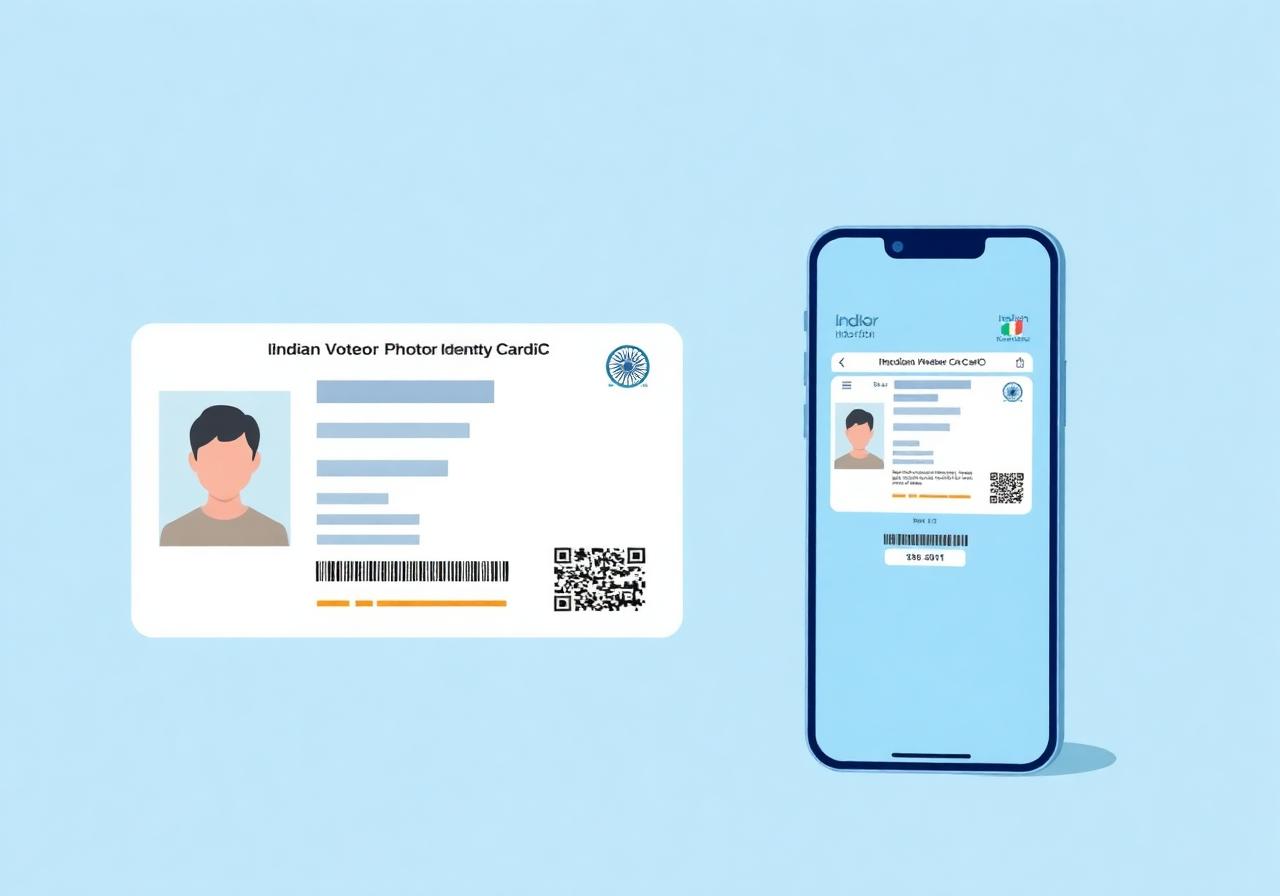
The Elector Photo Identity Card (EPIC), commonly known as the Voter ID Card, is an identity card issued by the Election Commission of India (ECI) to registered voters. Your Voter ID confirms that your name has been included in the Electoral Roll and enables you to vote at your designated polling station during elections. Every registered voter is assigned a unique EPIC Number (Elector Photo Identity Card Number).
What is an EPIC Number?
The EPIC Number is a unique alphanumeric identification number assigned to every registered voter in India. It is printed on your Voter ID card and is used to:
- Search your name in the Electoral Roll
- Download your e-EPIC (digital Voter ID)
- Update your voter details
- Track voter-related applications
- Access various voter services offered by the Election Commission
What is an e-EPIC?
An e-EPIC is the digital version of your Voter ID card.
It is a secure, digitally signed PDF issued by the Election Commission of India and contains the same information as your physical Voter ID card.
You can store the e-EPIC on your mobile phone or other digital devices and download it again whenever required.
What Information Does a Voter ID Card Contain?
Your EPIC generally contains:
- Name
- Photograph
- EPIC Number
- Father's, Mother's or Spouse's Name
- Date of Birth or Age
- Gender
- Address
- Assembly Constituency
- QR Code (on newer cards)
Check your card carefully and apply for corrections if any details are incorrect.
How to Apply for a New Voter ID
If you are not yet registered as a voter, you should first apply for inclusion in the Electoral Roll using Form 6. After your application is approved and your name is included in the Electoral Roll, an EPIC Number will be allotted to you and you can obtain your Voter ID.
Read the Apply for Inclusion (Form 6) guideYou can download your digital Voter ID through the Election Commission's Voters' Services Portal.
Step-by-Step Guide
- 1
Open the Portal
Visit the official Voters' Services Portal.
- 2
Sign In
Sign in using your registered mobile number, email address or EPIC Number.
- 3
Select E-EPIC Download
Choose the E-EPIC Download option.
- 4
Search Your Record
Search using your EPIC Number or Form Reference Number.
- 5
Verify with OTP
Verify using the OTP sent to your registered mobile number.
- 6
Download the PDF
Download your e-EPIC in PDF format.
Lost Your Voter ID Card?
If your physical Voter ID card is lost or damaged, you can:
- Download your e-EPIC from the official portal.
- Apply for a replacement EPIC through Form 8.
- Contact your local Booth Level Officer (BLO) for assistance.
Need to Correct Your Voter ID?
If your Voter ID contains incorrect information, such as:
- Name
- Photograph
- Date of Birth
- Address
- Gender
- Relationship details
you can apply for corrections using Form 8 through the Voters' Services Portal or by contacting your local Booth Level Officer (BLO).
How Can the Booth Level Officer (BLO) Help?
Your local Booth Level Officer (BLO) can assist you with:
- New voter registration
- Updating voter details
- Applying for corrections
- Address changes
- Special Intensive Revision (SIR)
- Guidance on downloading or obtaining your Voter ID
- General voter-related queries
If you need help with your voter registration or EPIC, you may contact your local BLO or Electoral Registration Officer (ERO).
Official Voter Services
The Election Commission of India provides all official voter services through the Voters' Services Portal. You can:
- Register as a new voter
- Search your name in the Electoral Roll
- Download your e-EPIC
- Correct voter details
- Change your address
- Track applications
- Access Election Commission forms
Frequently Asked Questions
Need Help? Contact Your Booth Level Officer (BLO)
Your local Booth Level Officer (BLO) is the Election Commission's field-level official who can help you with:
- Special Intensive Revision (SIR)
- New voter registration
- Form 6, Form 7 and Form 8
- Correction of voter details
- Change of address
- Electoral Roll verification
- Polling station information
- EPIC (Voter ID) related queries
- General voter assistance
If you need help with any voter-related service, your local BLO is usually the first official to contact.
Before Contacting Your BLO
Keep the following details ready (if available):
- EPIC (Voter ID) Number
- Full Name
- Assembly Constituency
- Polling Station (if known)
- Mobile Number
- Address
Note: Some States provide a dedicated online BLO search, while others provide BLO details through the official Chief Electoral Officer (CEO) website. KnowYourMLA will always direct you to the appropriate official Election Commission resource for your selected State.
Official Resources
Disclaimer
This guide is intended to explain the purpose and use of the Elector Photo Identity Card (EPIC) in simple language. In the event of any discrepancy between this guide and the official instructions issued by the Election Commission of India, the Election Commission's notifications, rules and procedures shall prevail.
Official Resources
Need to apply online or download official election forms?
All official voter registration forms, electoral roll services, voter search, application tracking, EPIC services and Special Intensive Revision (SIR) services are available on the Election Commission of India's Voters' Services Portal.
Visit the ECI Voters' Services Portalhttps://voters.eci.gov.in/